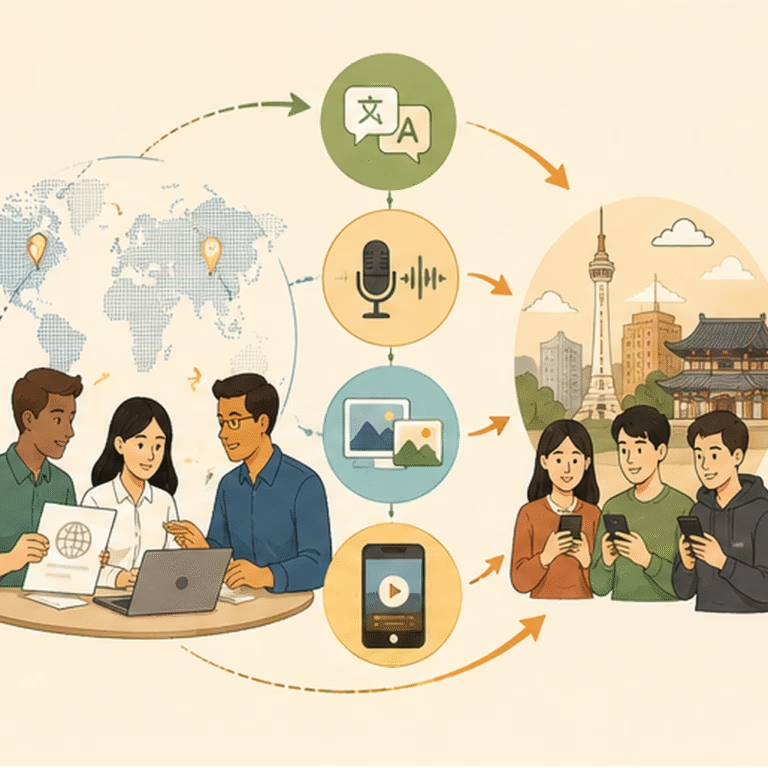

Your Korean subtitles are ready, but the product video still says “See your week at a glance” in English. Adding another translated line at the bottom leaves viewers choosing between two messages while the product demonstration disappears behind them.
On-screen text localization fixes the words inside the picture: titles, callouts, labels, and closing cards. A subtitle file alone does not replace those pixels. The useful first question is not which translation tool to use. It is whether the original text still exists as an editable layer.
This guide focuses on repairing that visual layer for a Korean version. It does not promise that a text replacement improves ad performance or that every finished video can be reconstructed cleanly.
What needs on-screen text localization, not another subtitle?
Separate three things before editing. Subtitles represent speech or other relevant audio. Added graphics communicate a headline, product feature, or next action. Text photographed or screen-recorded inside the scene belongs to the visible product or environment.
These can require different decisions even when their English wording is identical. A headline can be rewritten and reflowed. A real app button should normally match the interface users will actually see. A printed product label should not be casually replaced with an invented Korean package.
Watch the cut with the subtitle track hidden. Record every remaining readable element and its job. Include the first and last frame where it appears, not just the moment when it is fully visible. Text can be readable during a transition before it settles.
Start with elements needed to understand the demonstration or take the next step. Leave a brand name unchanged when that is the approved name; localization does not mean translating every visible word.
Can you edit a layer, or do you only have an MP4?
If you have the project, find the title or graphic layer and confirm it is genuinely editable. A nested composition, linked graphic, missing font, or pre-rendered animation can still require additional assets. Make a versioned copy before changing the language.
If you have a clean export without added text, place approved Korean graphics over that version. Compare it with the reference cut to preserve the intended appearance and timing. A clean export should still retain the actual product and footage; “textless” is not permission to erase packaging or alter a demonstrated interface.
If you only have the finished MP4, the English may be flattened into the picture. Replacing a subtitle file will not remove it. Request the original project, clean render, or background plates before planning a repair from the flattened file.
Do not promise a clean removal until someone has reviewed the affected frames. A static word on a plain background is a different job from lettering over a moving hand, reflections, or a changing product surface.
What should you do when the original text is baked in?
Choose a treatment from the actual shot. On a simple background, an approved replacement panel may hide the old wording without hiding the demonstration. It should look deliberate and match the visual design, not like a patch pasted over an unexplained object.
When an object moves behind or in front of the words, a panel can create the wrong visual order. Tracking, background reconstruction, or a rebuilt graphic may be necessary. Review the entrance and exit as well as the middle; a convincing still frame can flicker in playback.
If the important text is part of an app screen, a new capture of the real Korean build is often a clearer option than covering individual labels. If that build does not exist, explain the limitation rather than presenting a translated overlay as proof of an available interface.
For a difficult shot, replacing it with an approved clean shot can be preferable to a fragile repair. Do not use generated cleanup that changes product details, measurements, or visible evidence. Mark any unresolved alteration for review before export.
How can Korean copy fit without losing its meaning?
Define what the graphic must communicate, then write Korean for that role. Do not cram the full spoken sentence into a small headline box merely because the English draft fits there.
Educational demonstration, not a client project: imagine an approved planning app showing a weekly schedule. The English headline is “See your week at a glance.” A proposed Korean graphic is “한 주 일정을 / 한눈에 확인하세요.” The slash marks a planned line break, not punctuation to display. Its English meaning is “Check your weekly schedule at a glance.”
The first line names the thing being shown; the second gives the action. Keep “한눈에” together rather than breaking it merely to equalize line lengths. This is an editorial choice for a compact graphic, not a universal rule for Korean text.
W3C’s discussion of line breaking explains that Korean wrapping can be syllable-based or word-based. Neither supplies a fixed character allowance for your video. Choose breaks against the actual font, box, and reading time.
If two readable lines do not fit, try a meaning-preserving shorter version, a wider panel, or a different placement. Shrinking the type is not the only solution. Keep qualifications attached to the claim; shortening “available on selected plans” into “available” changes what viewers are told.
Where should the text sit while the product moves?
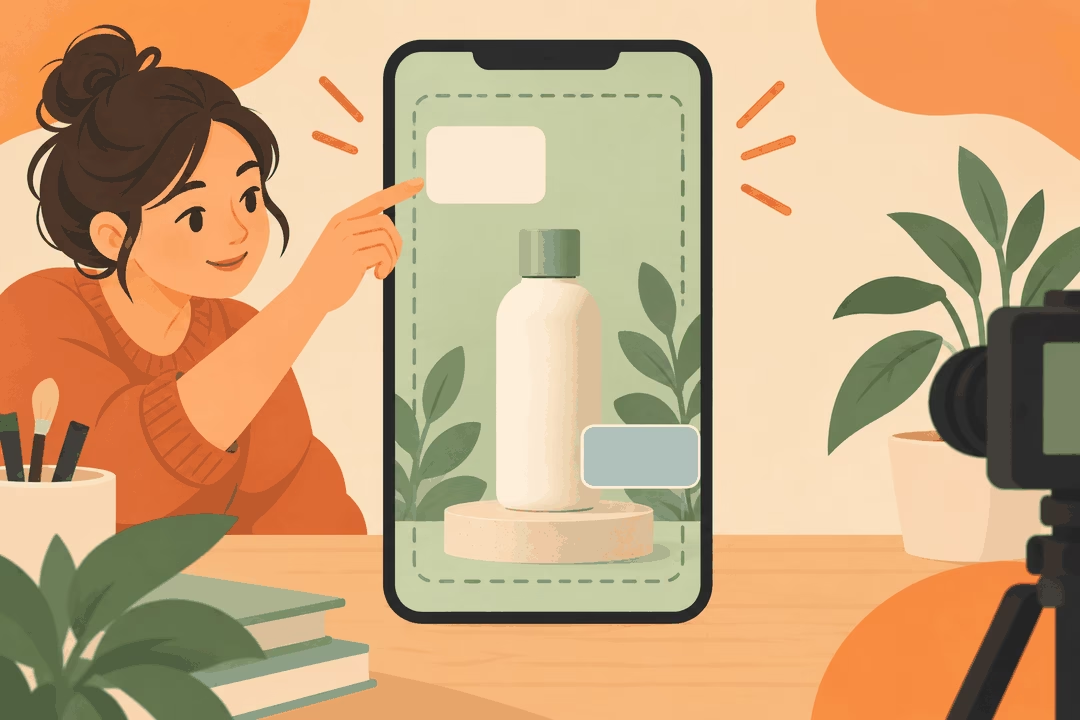
Leave the important action visible throughout the shot. A graphic that avoids the bottle in the opening frame may cover the pouring motion a moment later. Review the whole movement before approving its position.
Reserve separate space for speech captions, added graphics, and the placement’s interface. Do not assume an empty corner in the editing canvas stays empty after publication. Buttons, account information, captions, and cropping can change what the viewer sees.
TikTok’s creative guidance warns that interface elements can obstruct creative and calls for important content to remain in the safe zone. Use the current placement preview or template rather than treating an illustrative rectangle as a universal pixel margin.
For a Korean callout, test the approved wording at the intended display size. Check the font’s Hangul glyphs, punctuation, mixed Latin product names, and contrast against every background the shot crosses. A title that looks fine on a paused desktop frame may not be readable at normal phone playback speed.
What belongs in the editor’s text-change sheet?
Give each element a stable ID so a late revision changes the right graphic. Keep the source wording, approved Korean, and actual export associated with that ID rather than identifying an item as “the second title.”
- Element and time window: the exact graphic and its appearance/disappearance in the reference cut.
- Current source and approved Korean: include line breaks and the English meaning needed for non-Korean review.
- Text type and source asset: editable title, flattened graphic, real interface, or physical label.
- Treatment and placement: replace the layer, use a clean render, rebuild, or request a new capture; note anything the graphic must not cover.
- Approval and revision: who confirms meaning/product facts and which version is approved for export.
For the demonstration above, the entry should identify the weekly-schedule title, its actual time window, and the two-line Korean direction. It should also say that the footage must show a real weekly view. The wording is not approved for a product that only displays individual tasks.
Keep this sheet separate from a spoken-script timing estimate. For the broader coordination work around the graphic, see the video-edit plan that surrounds on-screen text localization. This article’s task is replacing and reviewing the visible text itself.
Can an automatic tool finish the job without visual review?
Automation can help detect text, prepare replacements, and manage repeated versions. It does not establish that every word was detected, that a cleaned background remains accurate, or that the new Korean says what the product can actually do.
Review tiny labels, stylized lettering, motion, and partially hidden text individually. If a tool fails to identify an element, record that gap rather than treating the generated export as complete. Check the first and last affected frames for remaining English or repair artifacts.
Run a silent viewing pass for visual meaning and a sound-on pass for consistency with the approved narration. Do not force a headline and subtitle to duplicate each other. They can carry different information as long as they do not contradict the product or each other.
What should you check before approving the Korean export?
Review the delivered file, not only the editable project. Confirm that approved line breaks and fonts survived rendering, old English does not reappear during transitions, and replacement panels do not obscure evidence.
Compare the closing graphic with the real next step. If the destination is a product tour, “사용 방법 보기” means “See how it works.” It should not become “무료로 시작하기,” or “Start for free,” unless that is the verified offer and flow. These are sample wording decisions, not promises about an actual product.
Keep the approved strings, reference cut, source assets, and export revision together. After a change, recheck the affected shot and its transition into the next one. Production QA demonstrates that the version is coherent; campaign results still need separate measurement.
Good on-screen text localization makes the existing picture and the Korean message work together. Start with the text element that prevents understanding, choose a repair the assets support, and review the result in motion. If you need help with the Korean wording and production brief, explore Korean localization support and share your reference cut and problem shot through the project form below.